> ## Documentation Index
> Fetch the complete documentation index at: https://docs.trendcore.tech/llms.txt
> Use this file to discover all available pages before exploring further.
# Overview
> Learn what Fashion Pro is, who it is designed for, and how its three core modules work together.
**Fashion Pro** is a Telegram bot for creating high-quality media content for the fashion industry and fashion retail.
## What is Fashion Pro?
Fashion Pro is designed for maximum simplicity. Instead of requiring complex tools, long setup processes, or advanced production workflows, it guides the user through a straightforward sequence of steps inside Telegram.
This makes it easy to create visually polished content with minimal friction.
## Who Fashion Pro is for
Fashion Pro is especially relevant for:
* fashion brands
* apparel businesses
* accessory brands
* fashion retailers
* e-commerce teams
* campaign and content production workflows
## What you can create with Fashion Pro
Reusable visual models based on reference photography.
Outfit-based visual compositions created from complete outfit references or selected elements.
Consistent image series built around a selected Look and creative scenario.
## Why use Fashion Pro?
Fashion Pro is built for fast content creation with minimal setup and a guided workflow inside a familiar interface.
Its modular structure makes the workflow easier to control. Instead of trying to define everything in one step, users can first establish the subject, then the styling, and only then move on to final image generation.
## Core workflow
Create the visual foundation of your subject.
Build the outfit and style layer that defines the visual appearance.
Generate a complete photo series with a unified concept, location feel, and artistic direction.
## Recommended order
If you are new to Fashion Pro, the recommended order is:
1. Create a PhotoModel
2. Create a Look
3. Generate a PhotoSet
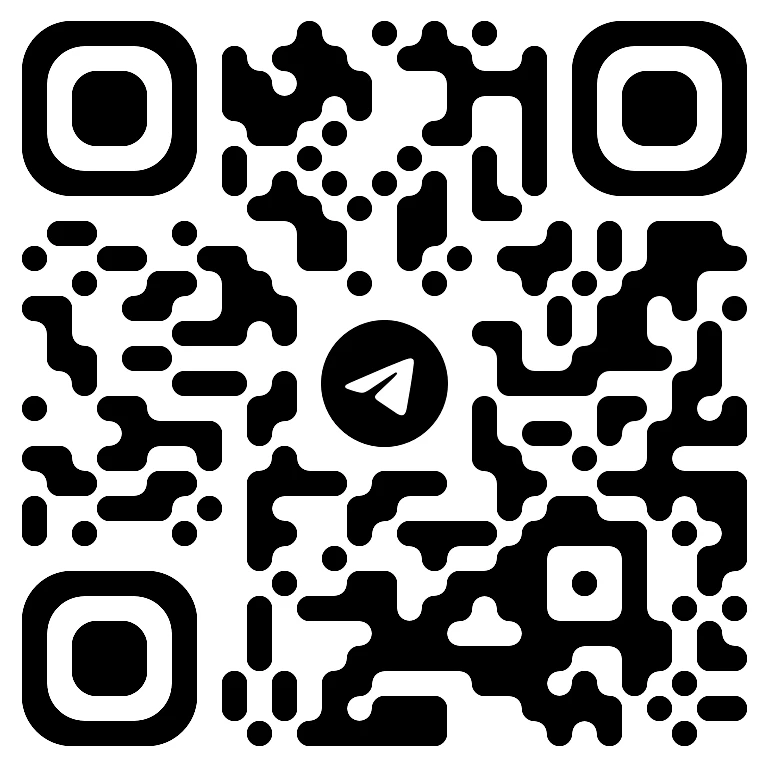
## Open Fashion Pro
Open the bot and start creating media content for fashion and retail.
 ## Continue to the modules
Start by creating the subject.
Then define the outfit and accessories.
Finally generate a cohesive visual series.
## Continue to the modules
Start by creating the subject.
Then define the outfit and accessories.
Finally generate a cohesive visual series.