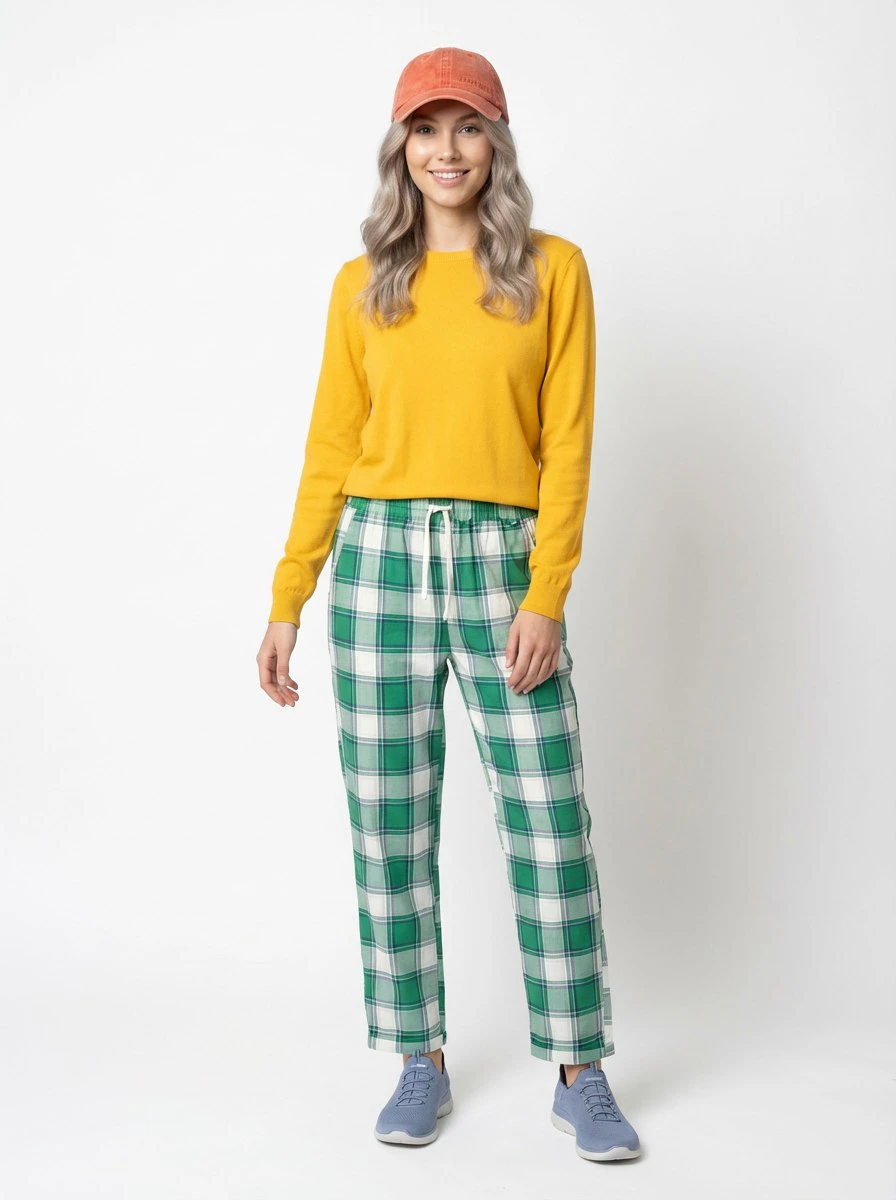
What a Look is
The Look module is used to create an outfit-based visual composition that can later be used in PhotoSet generation. A Look is a combination of clothing items and accessories that forms a complete visual outfit. It defines what the subject is wearing, but it does not define the subject itself and it is not yet a full photo series.PhotoModel defines who appears in the image. Look defines what the subject wears.
Two ways to create a Look
- Use a full outfit
- Build a custom Look
If the system detects that the uploaded image already contains a complete outfit, you can use that full outfit as the basis for the Look and move directly to generation.
How the module works
1
Open Create Look
Launch the module from the main menu.
2
Upload an image
Upload an image containing one or more clothing items or accessories.
3
Let the system analyze the image
The system determines whether the image contains a full outfit and identifies visible elements.
4
Choose a workflow
Use the full outfit directly or continue building a custom Look from selected items.
5
Add more references if needed
In custom assembly mode, you can continue uploading more images.
6
Select the items to include
Choose which detected clothing items and accessories should become part of the final Look.
7
Generate the Look
Create the final Look image for future PhotoSet generation.
Building a custom Look
In custom assembly mode, the system analyzes each uploaded image and identifies the visible outfit elements. You then choose which items should be included in the final Look. Examples of selectable elements may include:- jacket
- shirt
- trousers
- shoes
- bag
- glasses
- hat
- jewelry
- other visible outfit elements
In-progress example
The screenshot below should show the stage where the uploaded image has already been analyzed and the user is selecting which detected items to include in the final Look.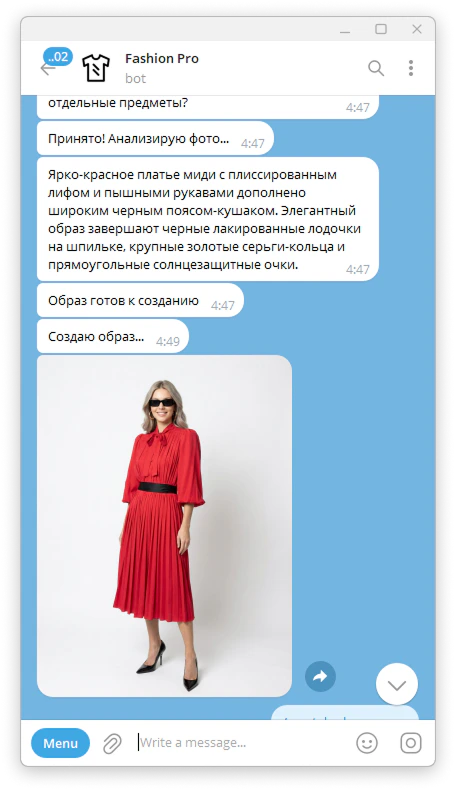
Result
At the end of either workflow, you receive a generated Look image that can be reused later in the PhotoSet module.Tips for better results
If you are building a custom Look, select only the elements that truly belong in the final outfit. A more focused selection usually leads to a cleaner result. If the uploaded image already contains a strong complete outfit, using the full outfit workflow may be the faster and more efficient option.Example outputs
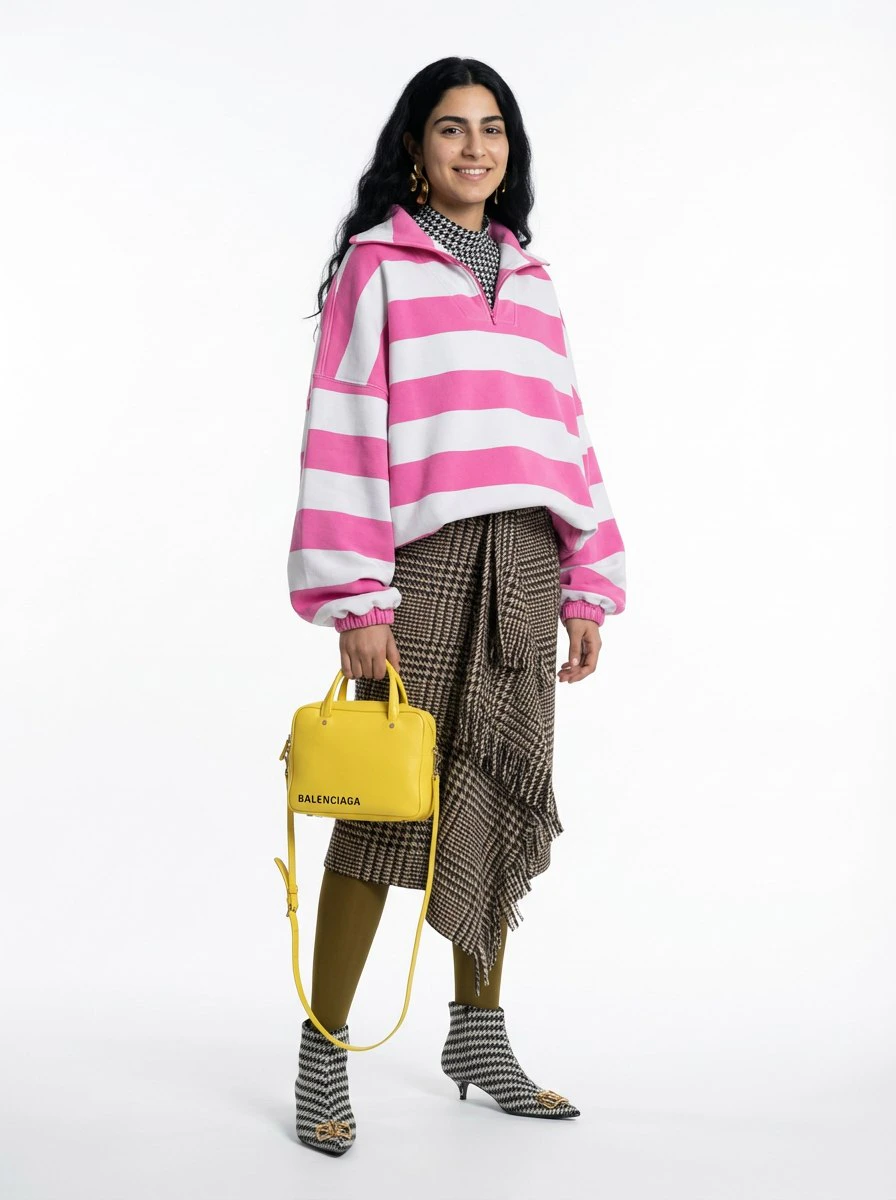
Full outfit result
Custom assembled look