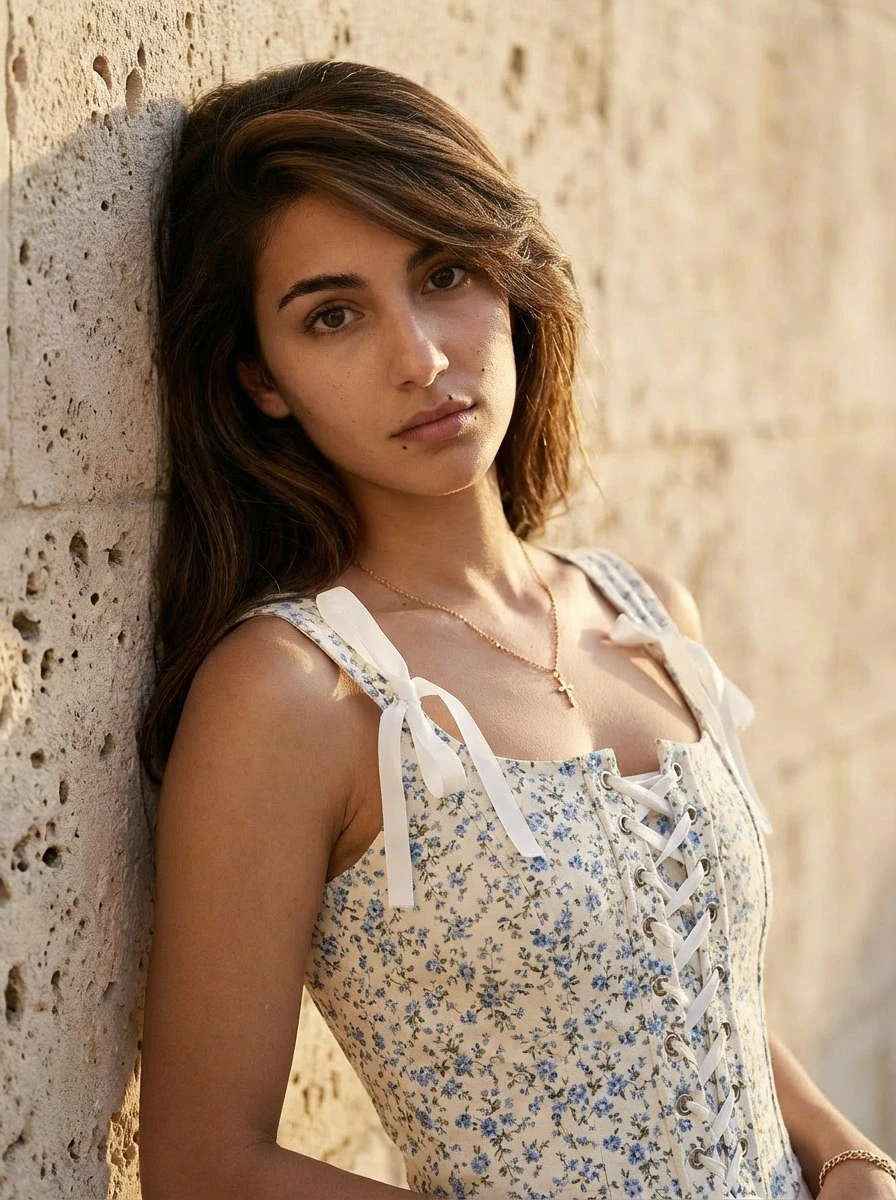
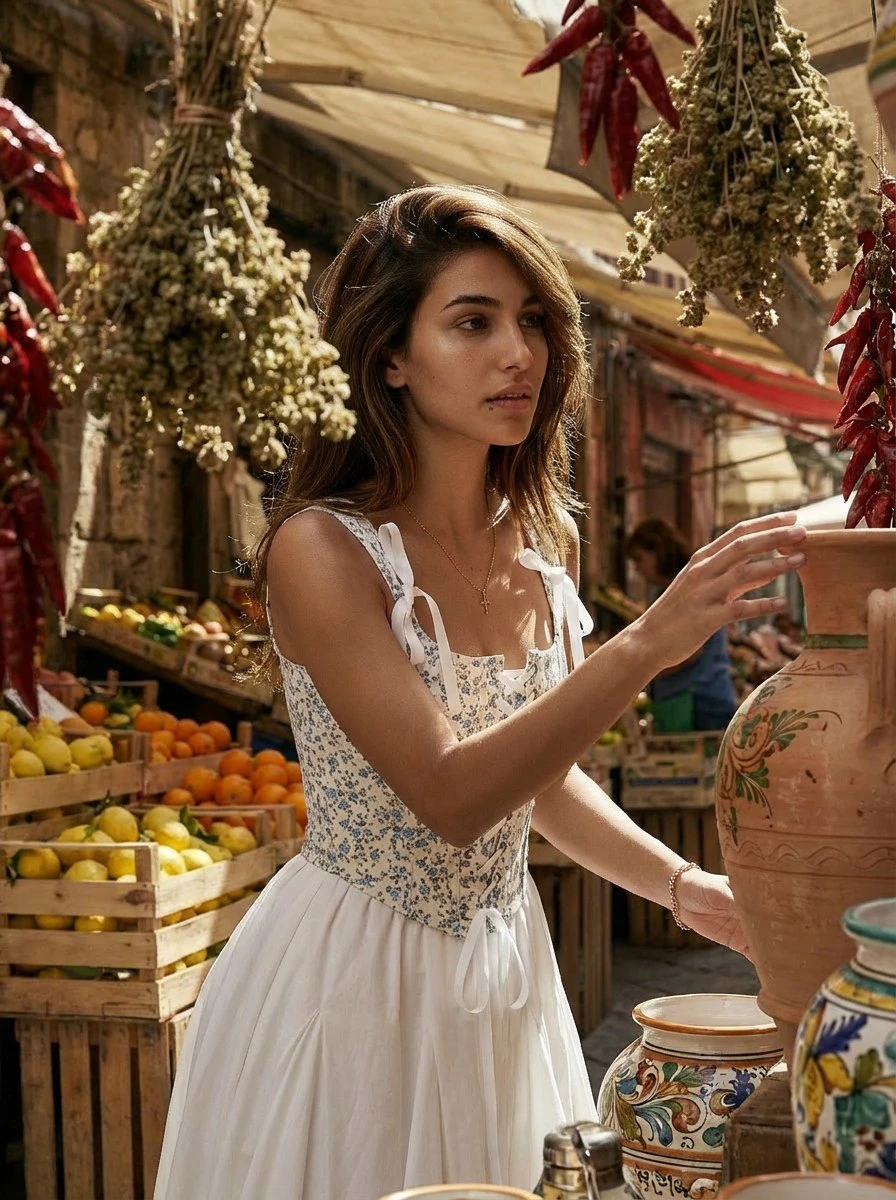
What a PhotoSet is
The PhotoSet module is used to generate a coherent series of images based on a previously created Look. A PhotoSet is not a single standalone image. It is a sequence of images built around one selected outfit, one creative direction, and one visually consistent setting. The goal is to create results that feel like they belong to the same shoot.Look defines the outfit. PhotoSet turns that outfit into a complete visual series.
How the module works
1
Open PhotoSet
Launch the module from the main menu.
2
Upload a Look image
The module starts by asking you to upload a Look image.
3
Review the generated Look description
The system analyzes the Look and shows a short description in the chat.
4
Choose a creative direction
You can provide your own idea or ask the system to propose ideas.
5
Review five generated scenarios
The module presents five short creative scenarios based on your idea or its own suggestions.
6
Approve or revise the scenarios
You can approve them as they are or request targeted changes in free text.
7
Review the preview images
After final approval, the module generates five preview images, one for each scenario.
8
Select one scenario
Choose which scenario should be expanded into a full PhotoSet.
9
Generate the full PhotoSet
The module creates a visually consistent image series based on the selected scenario.
10
Continue or finish
After one PhotoSet is completed, you can select another scenario or end the session.
Editing scenarios
You can edit the generated scenarios using simple natural-language instructions. For example:- Scenario 1 — make it rainy
- Scenario 3 — change the location
- Scenario 5 — make the mood more elegant
Clear scenario-based edits usually lead to stronger and more predictable creative directions.
In-progress example
The screenshot below should show the moment when the five scenarios have already been generated and the user can approve them or request changes.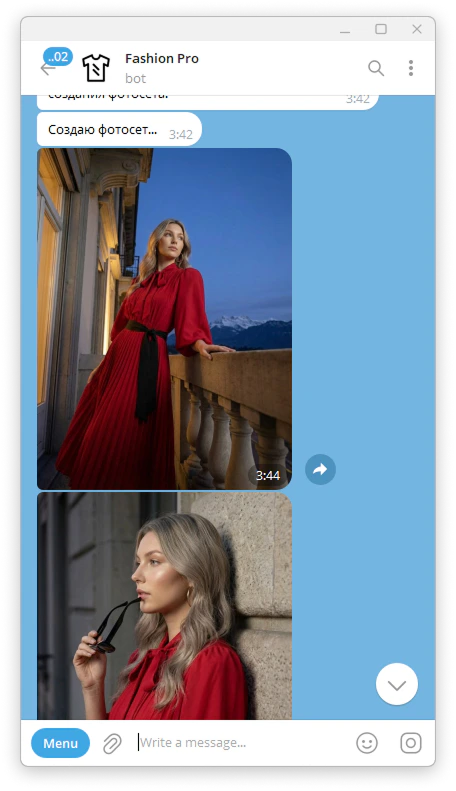
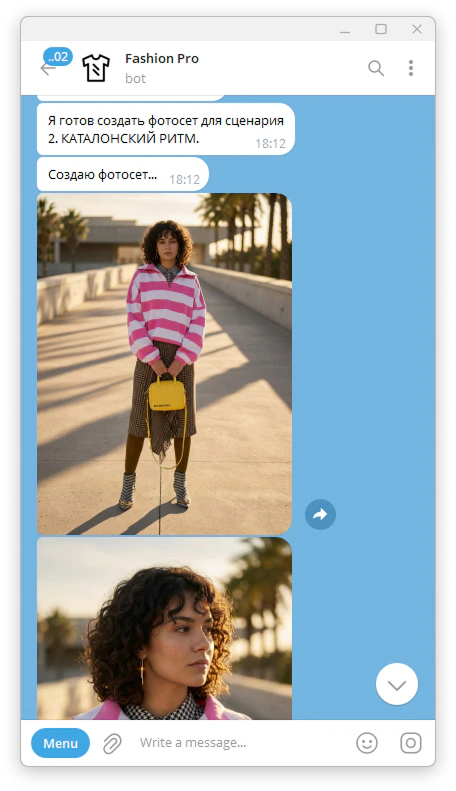
Result
The final result is a visually consistent photo series based on one selected Look and one approved creative scenario. The generated images are designed to feel connected, as if they were created in the same location, at the same time, and within the same artistic concept.Tips for better results
If you want more control over the result, provide a short creative idea instead of relying fully on auto-generated concepts. When editing scenarios, give direct and specific instructions.Example outputs
Scenario preview result
.jpg?fit=max&auto=format&n=d9LLYyjPcCL8Uc_H&q=85&s=40d47655f63739283f6be137c67585c8)
Final consistent photo set