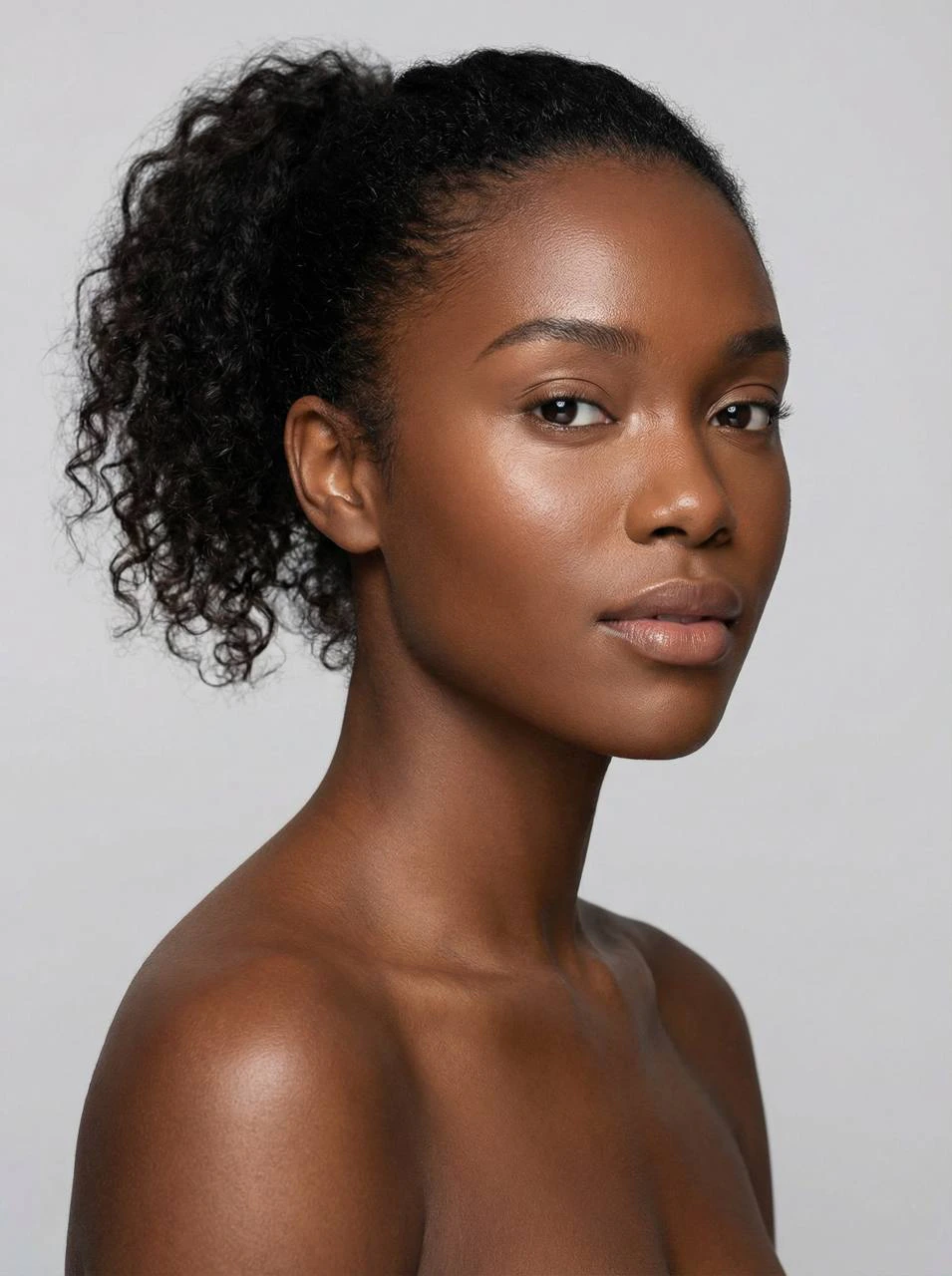
What PhotoModel does
The PhotoModel module is used to create a reusable visual model that serves as the foundation for future generations. This is the recommended starting point inside Fashion Pro. The PhotoModel defines the visual identity of the subject and can later be used in other modules to support more consistent results. The module is launched from the menu via /createmodelBefore you start
If an uploaded image contains a child or teenager, the system will show a warning and ask the user to upload a photo of an adult instead.How the module works
1
Open Create Model
Launch the module from the main menu.
2
Upload a base reference photo
Upload a photo of an adult person whose appearance will be used as the basis for the new PhotoModel.
3
Review the generated description
The system analyzes the photo and generates a short description of the future PhotoModel.
4
Refine the model if needed
You can add extra reference images and specify which feature should be transferred from each image.
5
Create the PhotoModel
At any point after the first reference image is uploaded, you can proceed to generation.
Refining the PhotoModel
You can refine the future PhotoModel by sending additional images and specifying which feature should be transferred from each image. Examples include:- hairstyle
- moustache
- eyes
- lips
- other facial or visual characteristics
You do not need to use all three refinements. If the result already looks right, you can create the PhotoModel immediately.
In-progress example
The screenshot below should show the module after the base image has already been processed and the user is adding an extra reference to transfer a specific feature.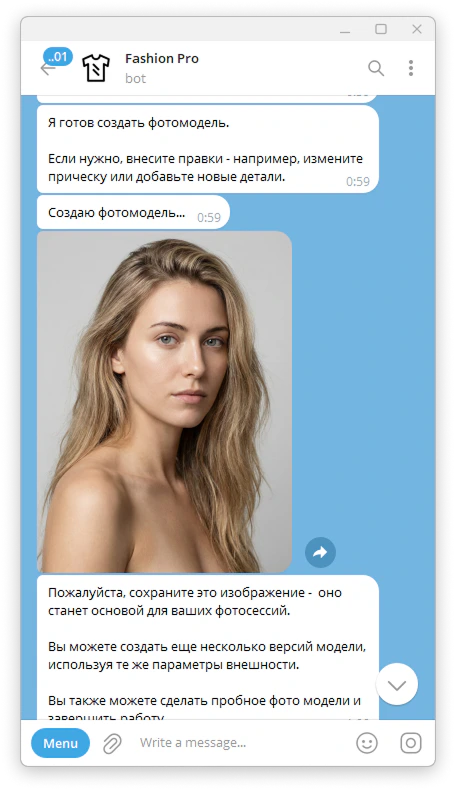
Result
After generation, you receive a photorealistic PhotoModel image that can be reused in future Looks and PhotoSets. The result is intended to function as a reusable visual asset inside the Fashion Pro workflow.Tips for better results
When adding refinement references, focus on one meaningful feature at a time. This makes the requested transfer clearer and easier for the system to interpret. If the first generated result does not feel specific enough, it is often better to refine the PhotoModel before moving on to the next module.Example outputs
Generated base model
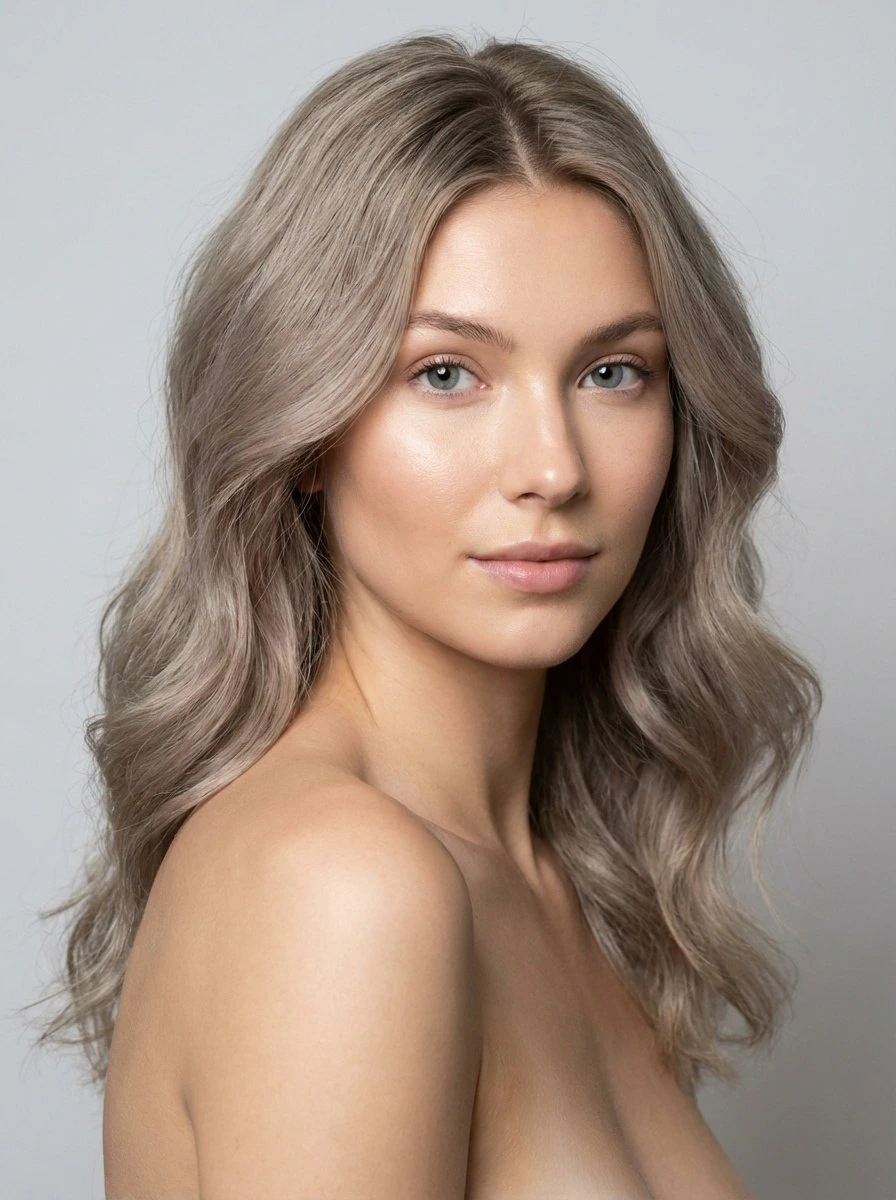
Refined model with transferred features